Start
Pick the team that serves first
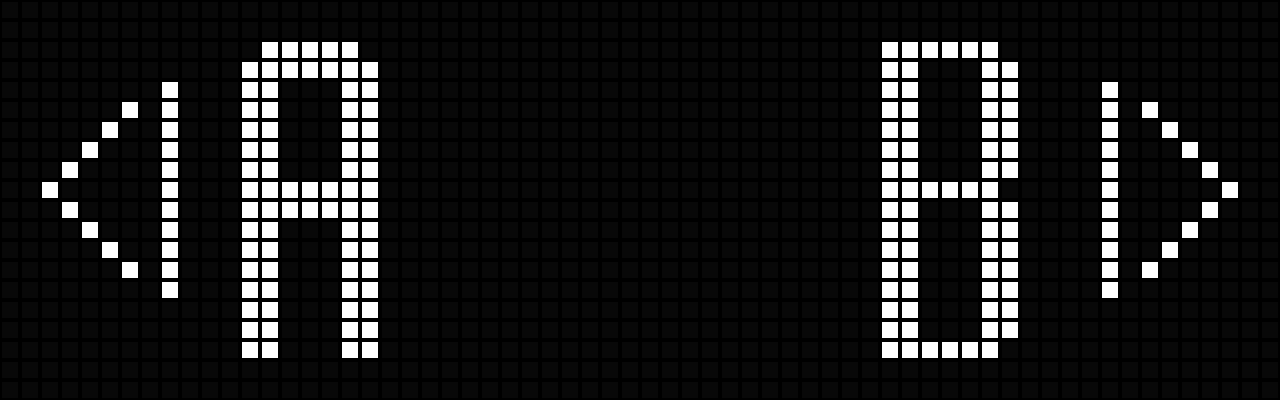
The first screen means the system is waiting for the user to choose which team will serve first.
Press the remote of the team that will start serving. If team B should open the match, press the B remote.
Match flow
This guide explains what appears on the scoreboard from the initial serving selection to the final winner announcement, using the real sample screens from the product.
Start
The first screen means the system is waiting for the user to choose which team will serve first.
Press the remote of the team that will start serving. If team B should open the match, press the B remote.

Service state
After choosing team B, the display changes to the live match screen with team B serving.
The underline below team B marks the serving team. At this moment everything else is still at zero: sets 0-0, games 0-0, and score 0-0.
Scoring
Adds points to team A.
Adds points to team B.
As points are added, the system updates the current game score, the games in the current set, and the total sets already won by each team.
Screen anatomy
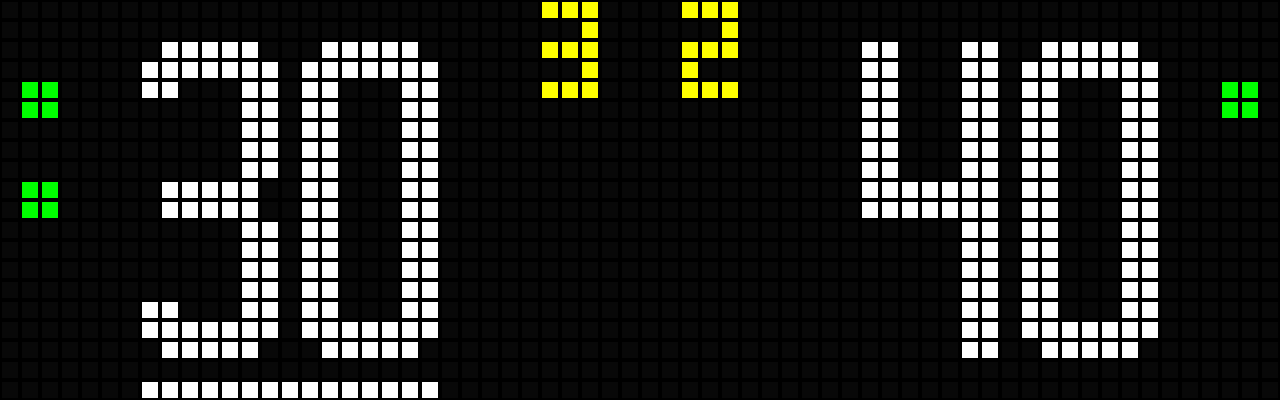
Team A is serving because the underline appears beneath team A.
Two dots on the left mean team A has won 2 sets. One dot on the right means team B has won 1 set.
The top center shows 3 - 2, so team A has 3 games and team B has 2 games in the current set.
The bottom center shows 30 - 40 for the game currently being played.
Finish
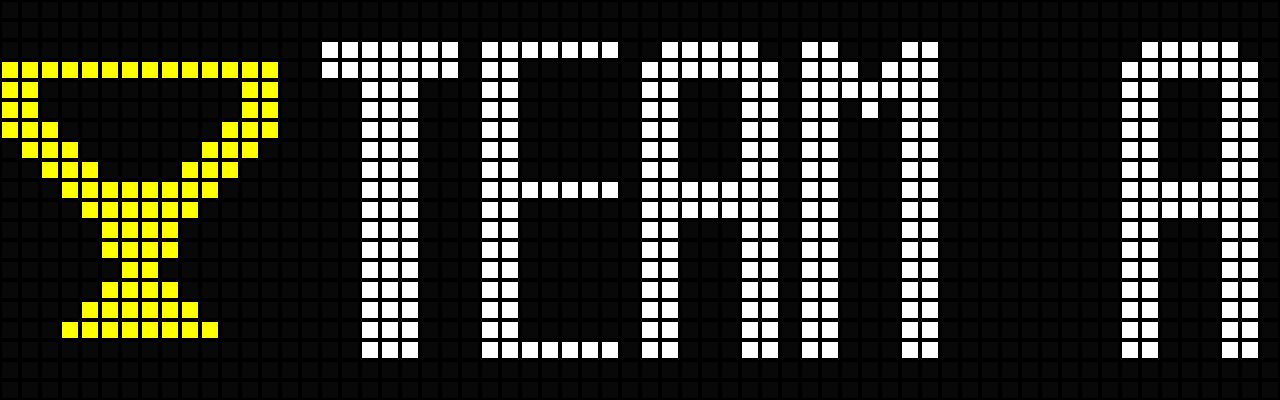
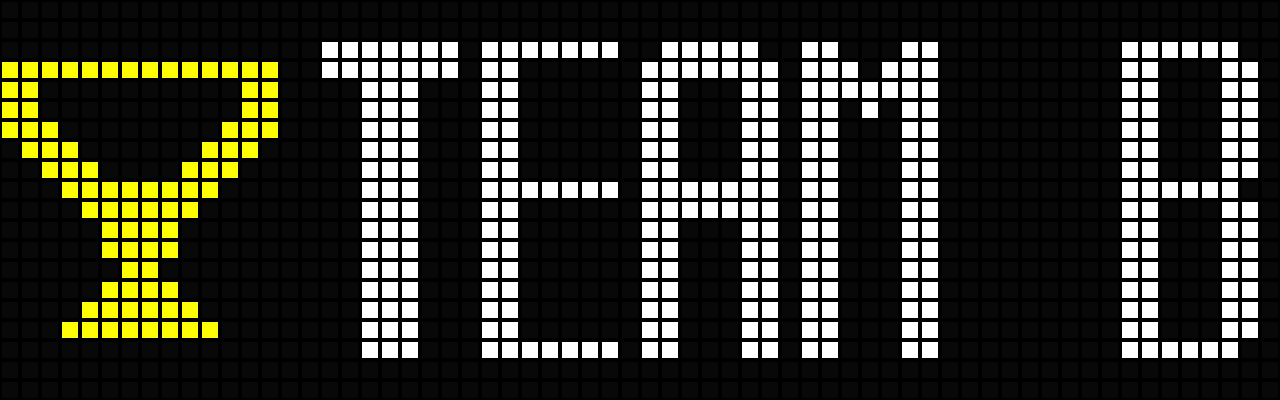
When the match is over, the system automatically shows the winner screen for the team that won.